
Animated, and sent as a file
Every icon in the catalogue is an animation — WEBP for the app, GIF for the messengers that want one. Sharing hands the chat an actual file, so whoever receives it does not need iConify to see it move.
Android app, free to install
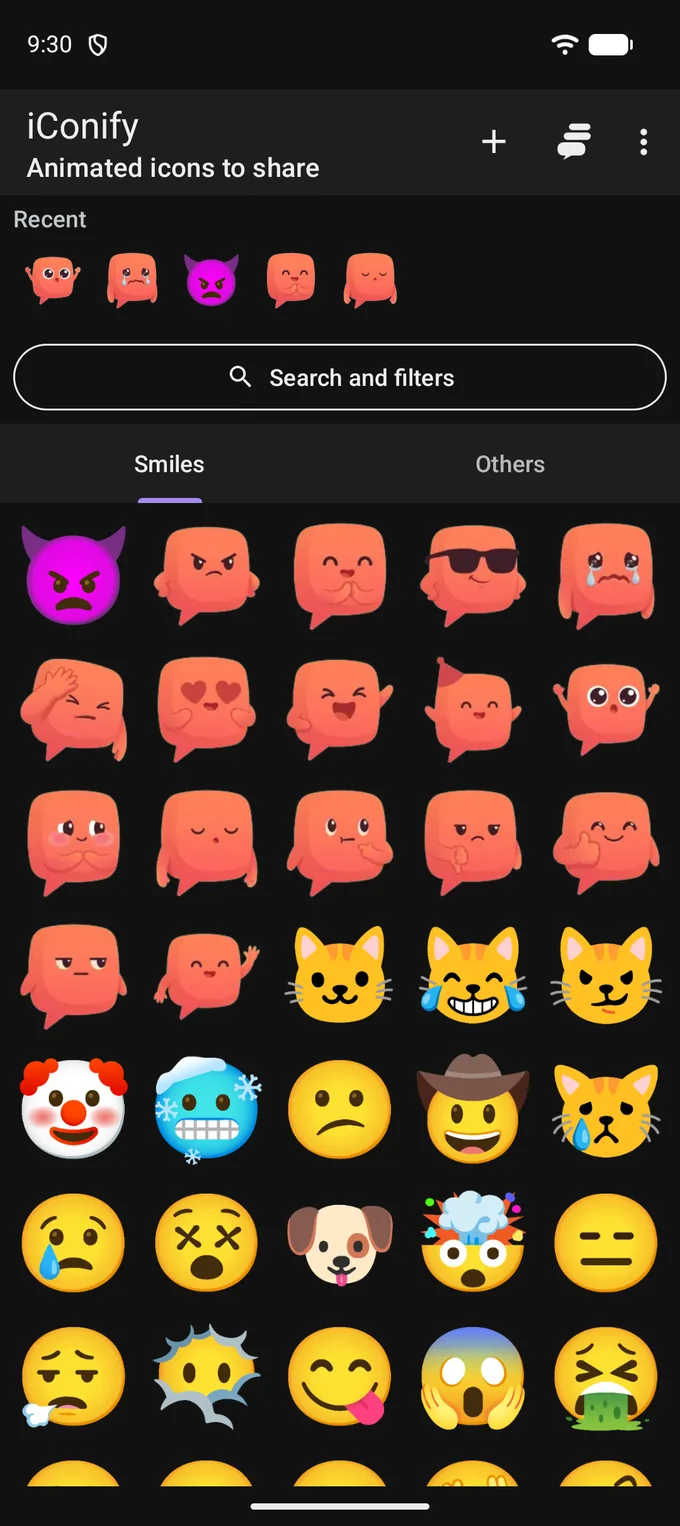
iConify is a catalogue of animated icons that live on your phone. Find one by name, tag or category, keep the ones you use, group them into collections, add your own from a link — and send any of them to a chat in two taps.
Free to install. Android 8.0 and newer.
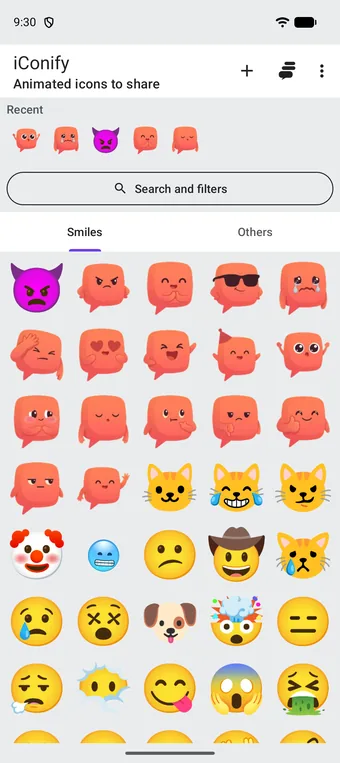


















Blip Reactions: sixteen animations drawn for iConify, not taken from a ready-made set.
Your keyboard already has emoji. It does not have these, and it does not let you keep your own.
Every icon in the catalogue is an animation — WEBP for the app, GIF for the messengers that want one. Sharing hands the chat an actual file, so whoever receives it does not need iConify to see it move.
Favourites, collections, recents and your own icons are rows in a database on your phone. There is no account to create, no profile to fill in and nothing to follow: the app has no server that stores anything about you.
Any WEBP or GIF on the web becomes an icon in your catalogue: paste the link, give it a name, pick a category. It sits next to the built-in ones and behaves exactly like them — favourite it, collect it, share it.
Search matches the name, the aliases and the tags, so happy finds the grinning face even though the file is not called that.
The rest of the sheet narrows the same list rather than opening another screen: category, where the icon came from, an editorial shelf, and the order. Apply closes it, Reset all clears it, and the button above the grid keeps showing what you asked for.
What ships with the app, and what you put there yourself.
What ships
What you add
Four taps for the first one, two for the next.
Type a word into the search sheet, switch between the Smiles and Others tabs, or scroll the grid. What you opened last sits in the Recent row above it, so the ones you use are not something you have to search for.
The icon fills the screen and plays. The heart in the top bar keeps it, the thumbs rate it, and the share button is the width of the screen.
The system share sheet opens with the animation attached as a file, and a link that opens the same icon on the web for whoever does not have the app.
The icon moves to the front of Recent, so the second time it is already on the first screen.
Blip Reactions is not only a shelf in the catalogue: the same sixteen animations are a sticker pack too. It exists in two places, and the two work differently.

Installed from the app's Settings — about six megabytes, downloaded when you ask for it. iConify has to be on the phone: the app is what hands the pack to WhatsApp.

Sixteen video stickers, free. Telegram adds them from a link and keeps them itself, so iConify does not have to be there at all.
The link opens t.me, which is Telegram's own site. The pack is not downloaded from this page.
Tap any frame to open it.
A catalogue app is usually assumed to be a network of people. This one is not, and the difference is worth saying out loud rather than leaving to be discovered.
What each of those means for your data is set out in the privacy policy.

Free to install. Android 8.0 and newer.
Android 8.0 and newer.
Free to install. Android 8.0 and newer.
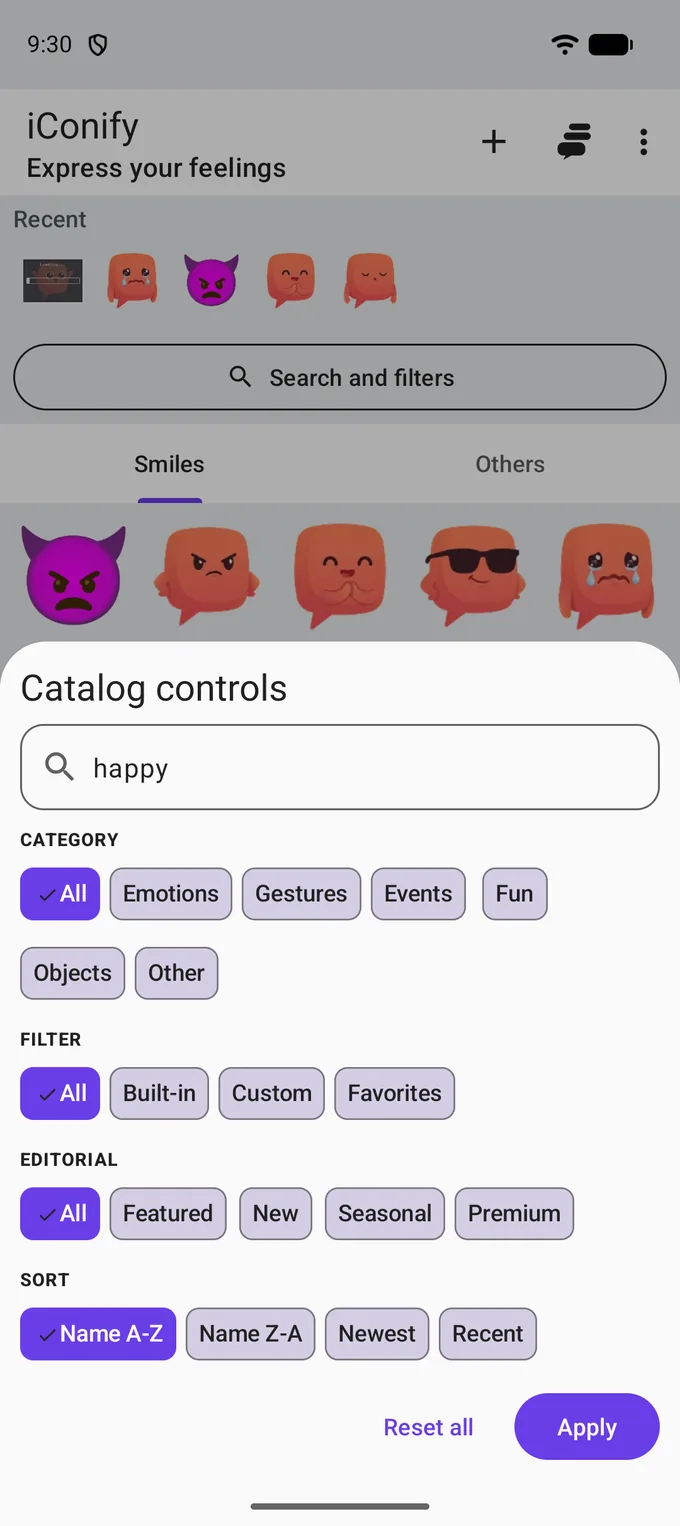
One sheet holds the whole search
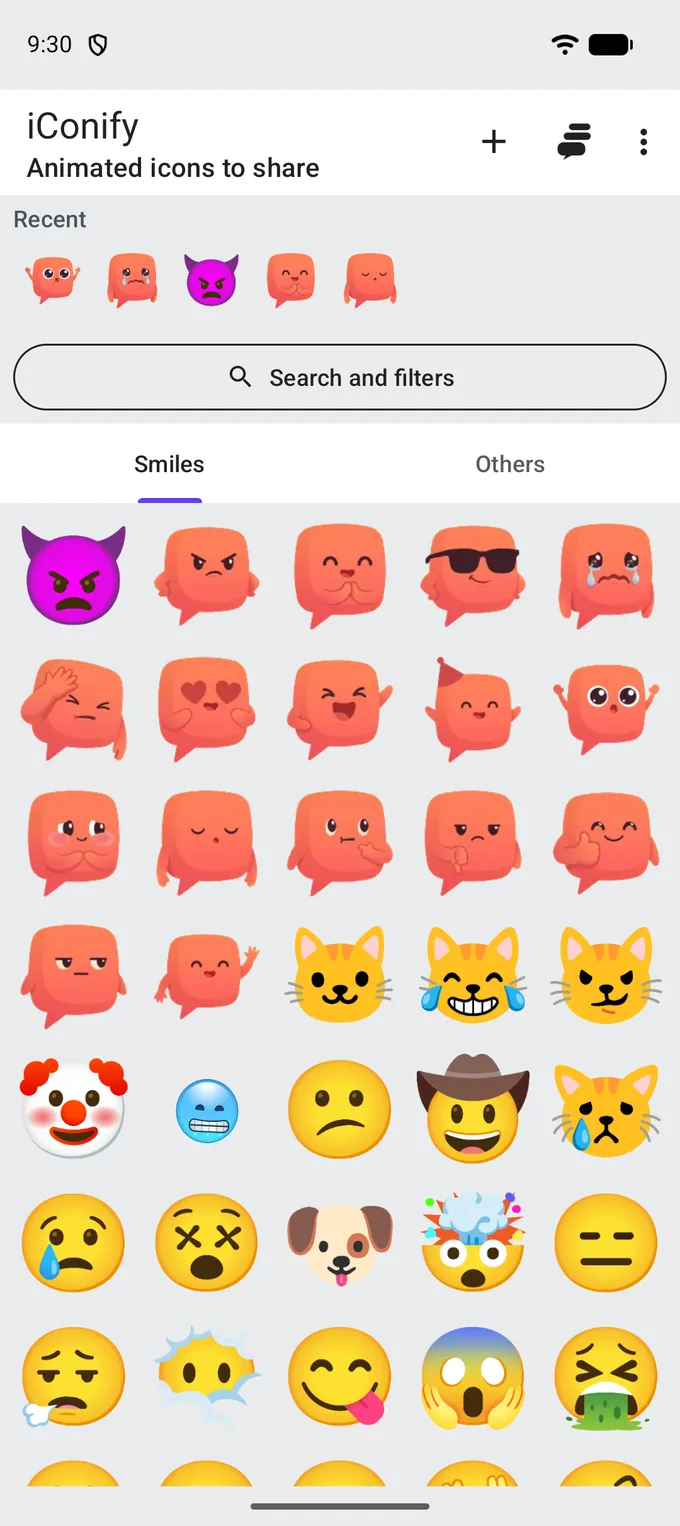
More than 130 animated icons
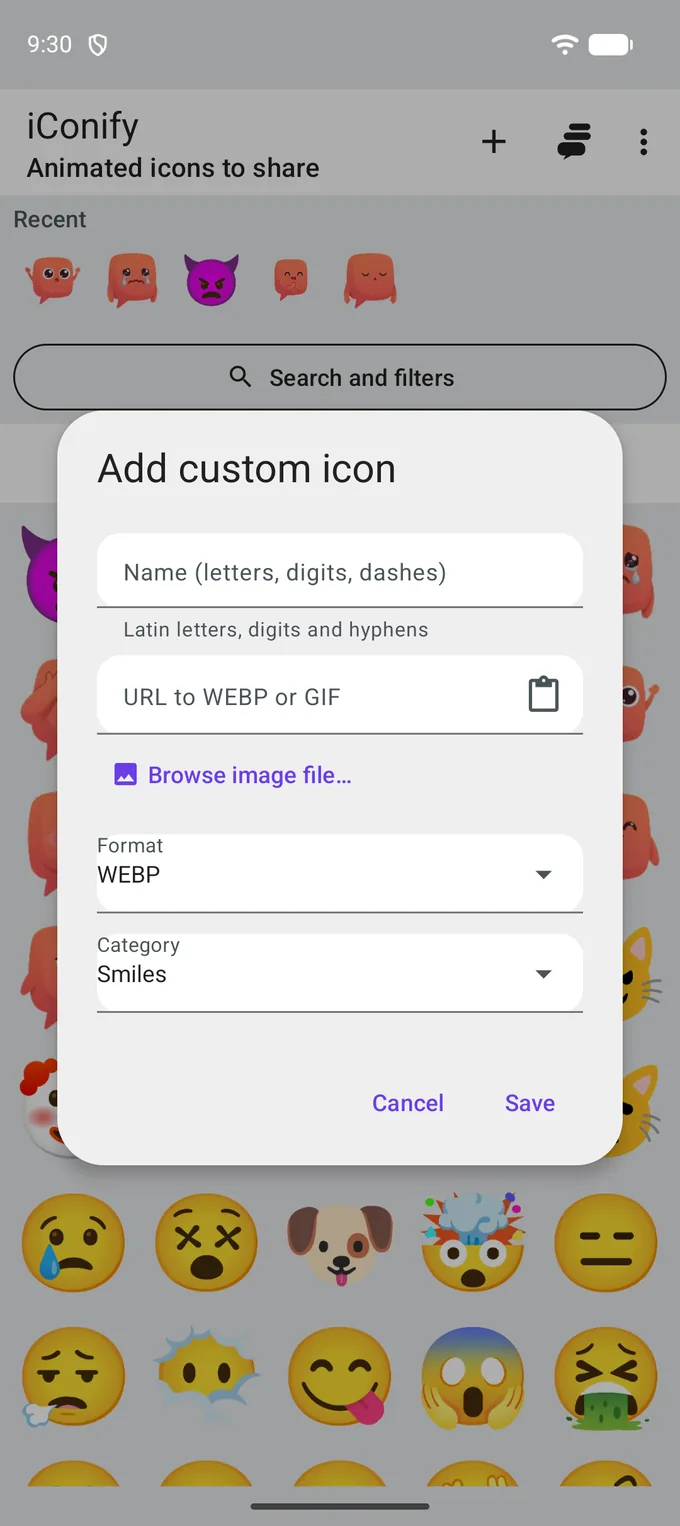
Your own icons and collections
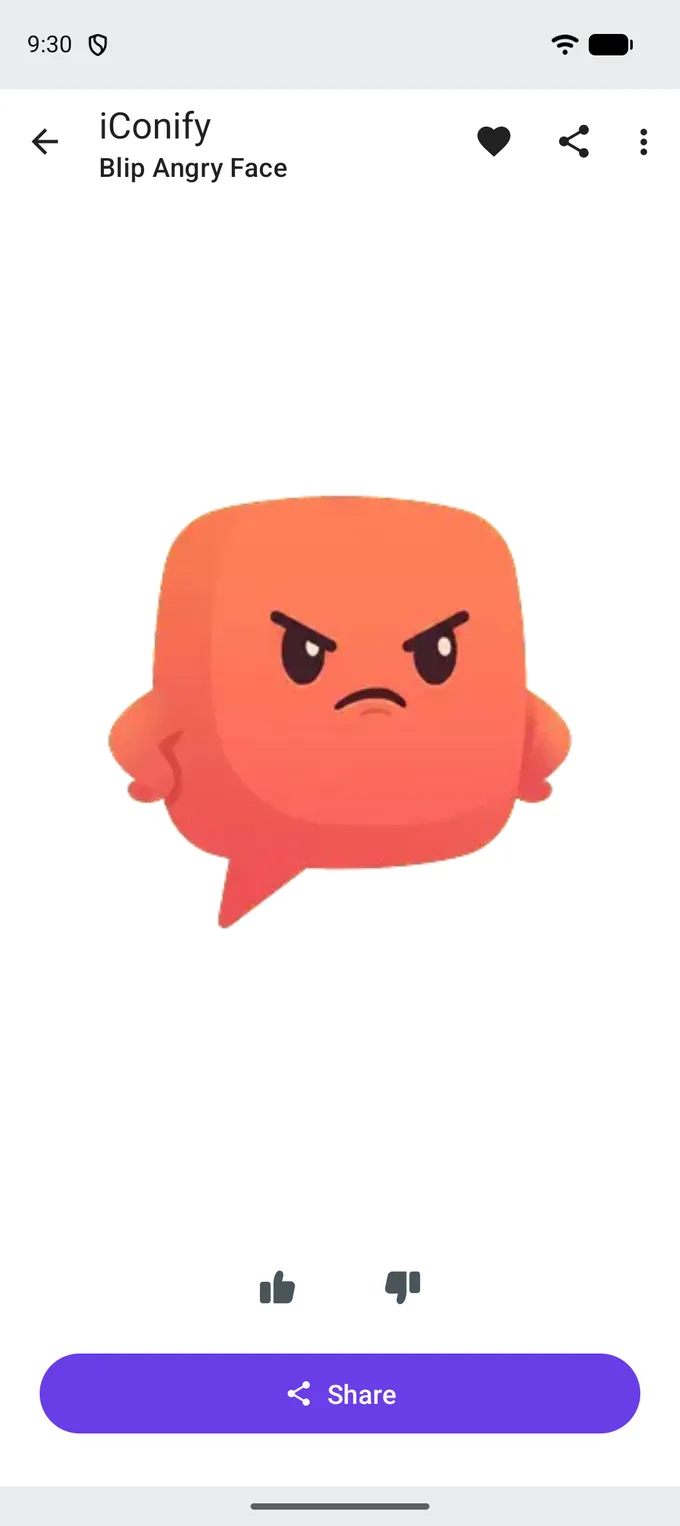
One icon
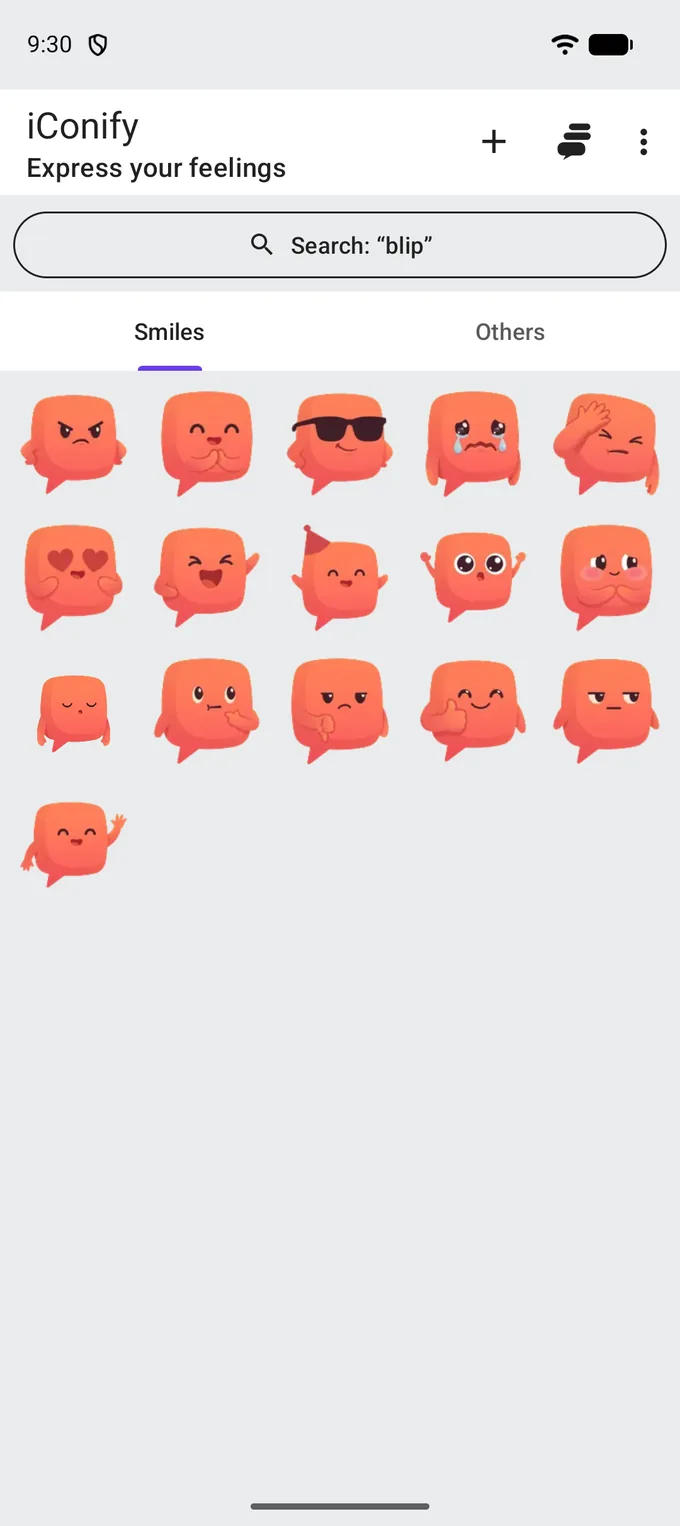
Blip Reactions
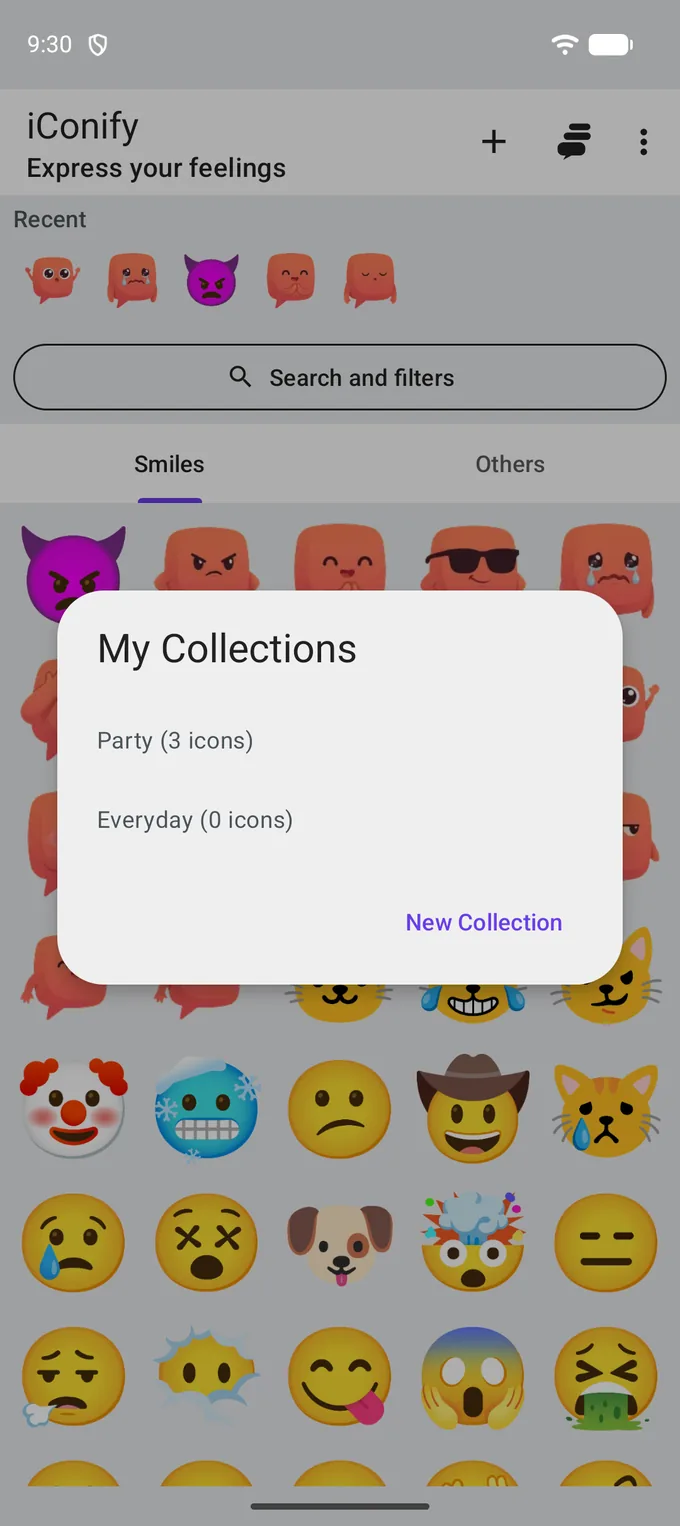
Collections
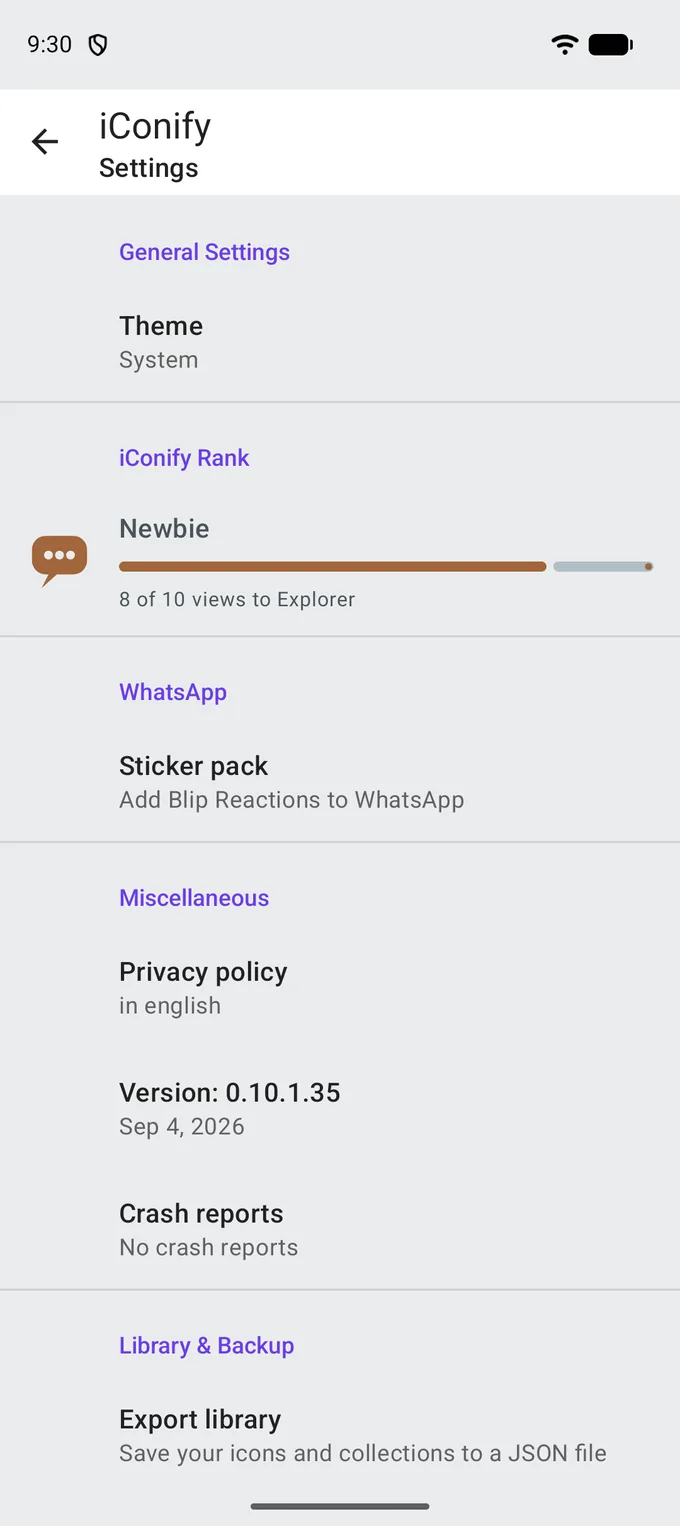
Settings
Dark theme